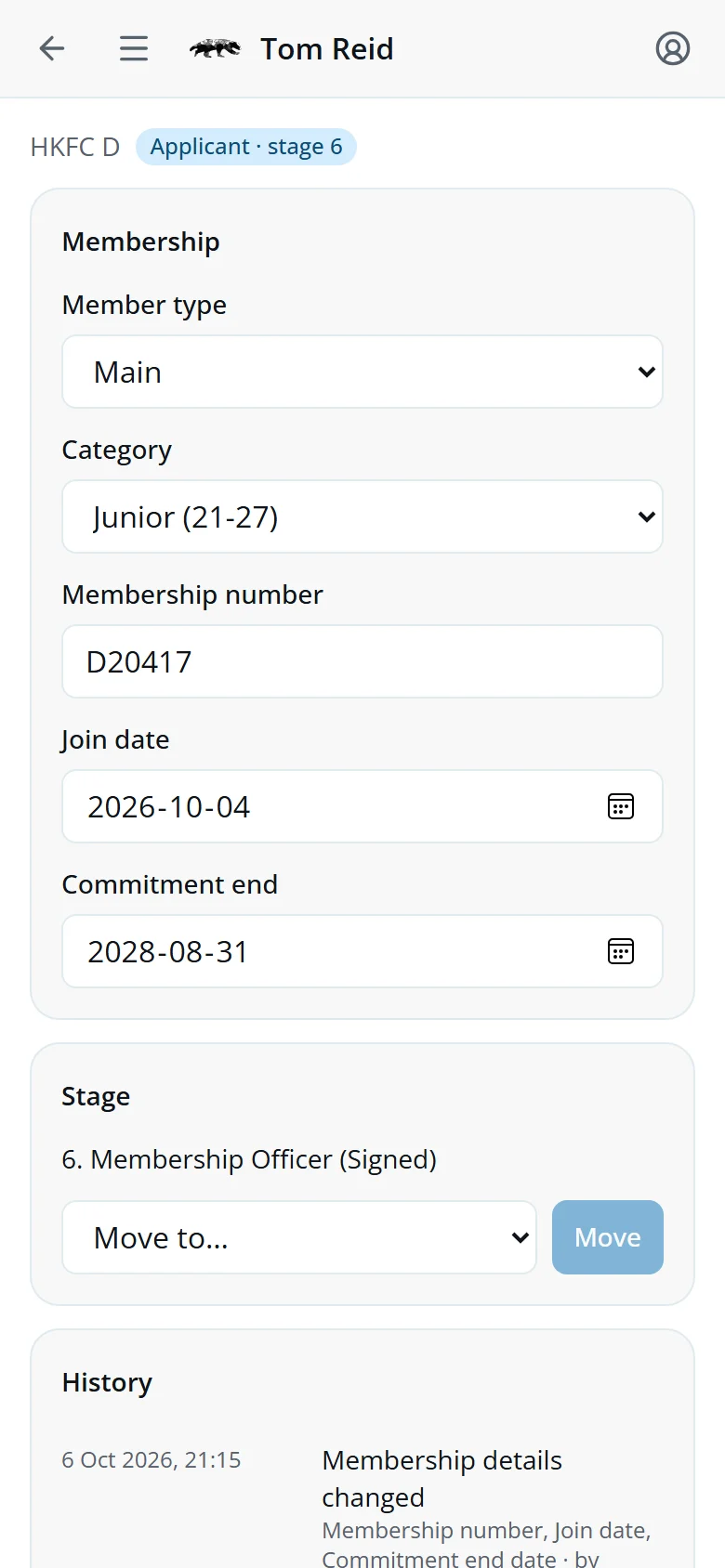
A correction in three steps
-
Find them
Open People and type part of their name.
-
Change it
Edit the Membership block and tap Save.
-
Check it
History shows your change, and who else changed what.
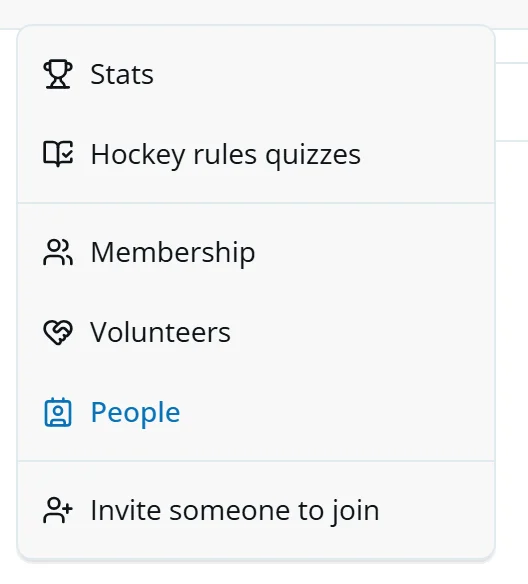
Open your screens
Tap the menu at the top left. Membership and People are there.
Help, in your profile menu at the top right, opens this guide.
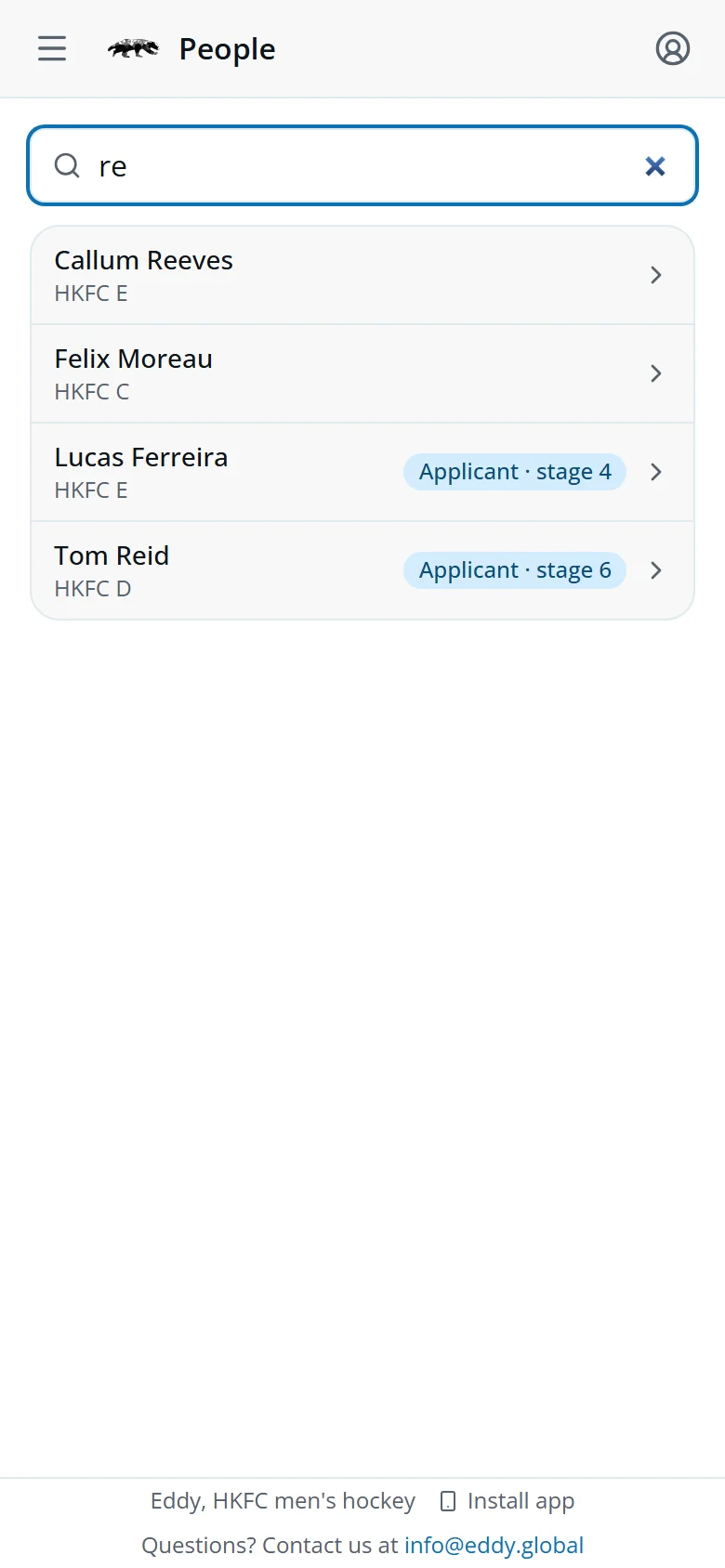
Find someone
Type any part of a name. Members, applicants and past players are all there. Tap a row to open their page.
- Applicant · stage 4An application in progress, and its stage.
- TemporaryPlaying without the membership process, usually visiting.
- RejectedTheir application stopped.
- InactiveNot playing now.
No chip means an Active member.
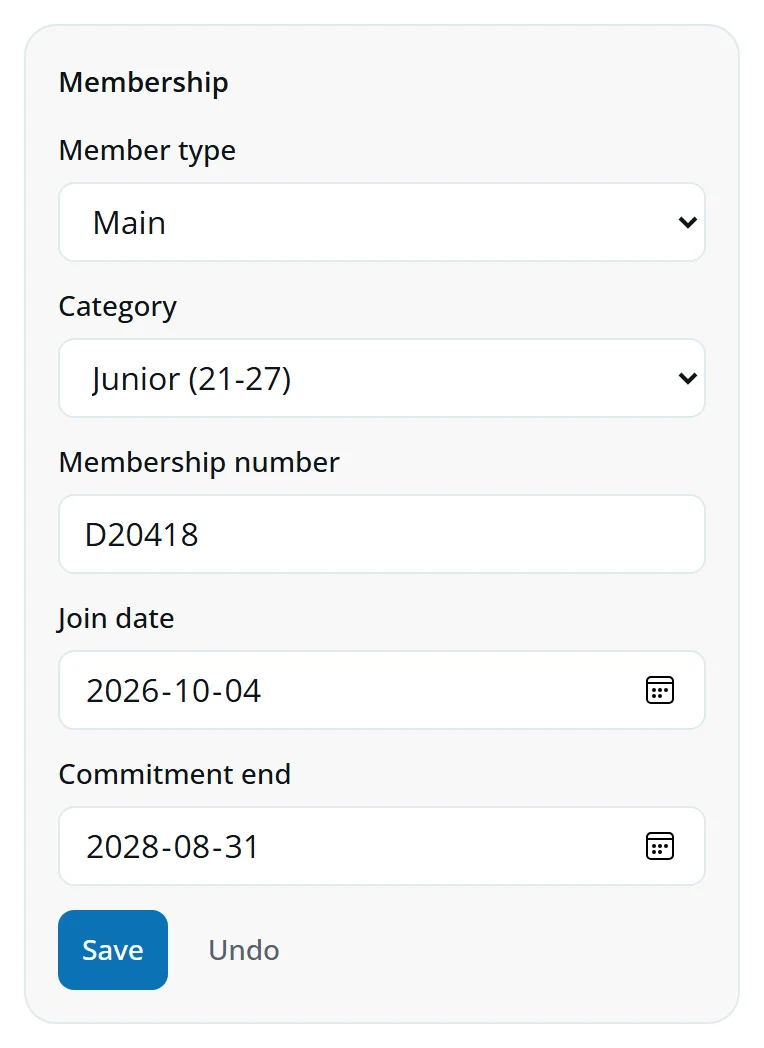
Membership details
Member type, category, membership number, join date and commitment end.
- Change what's wrong.
- Tap Save, or Undo to put it back.
New dates re-work their commitment periods. The message after saving says if any were removed.
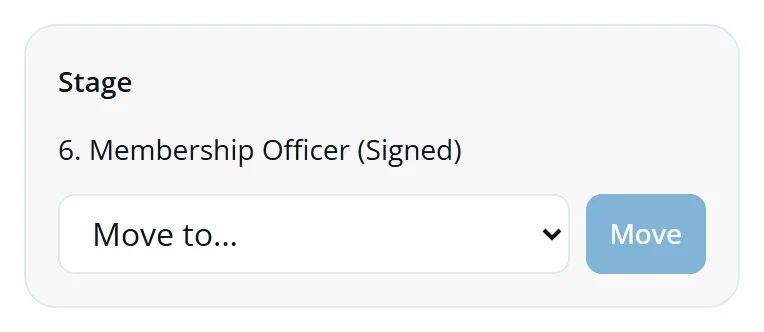
Move the stage
Shown for applicants, Temporary players and anyone whose stage needs fixing.
- Open Move to… and pick a stage.
- Tap Move.
Rejected asks first: their application stops there.
To accept someone, open their card on the Membership screen and tap Approve membership.
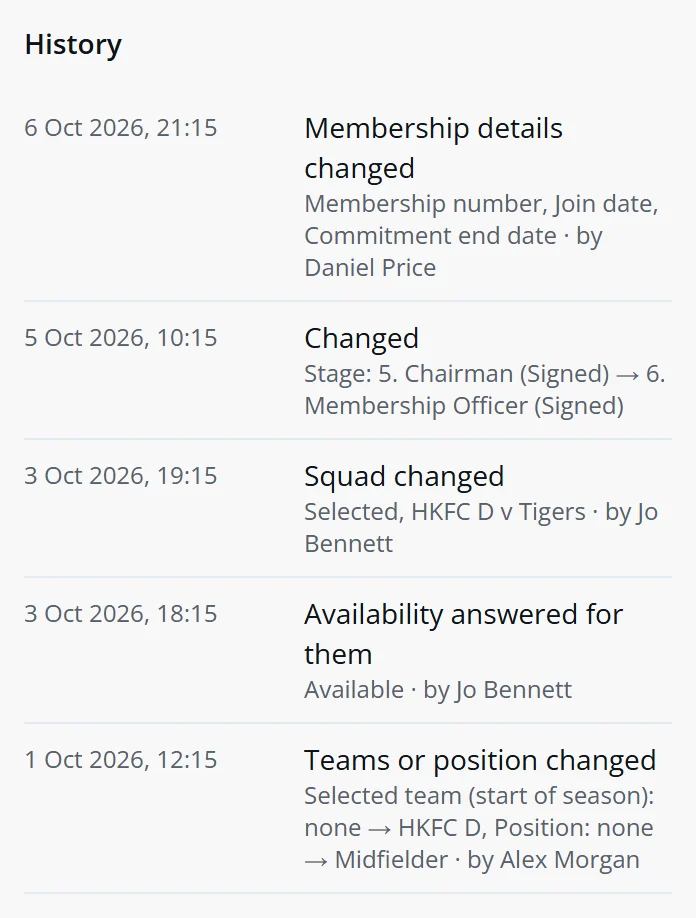
History
Every change to the person, newest first: membership details, stages, teams, squads and availability, with who made it.
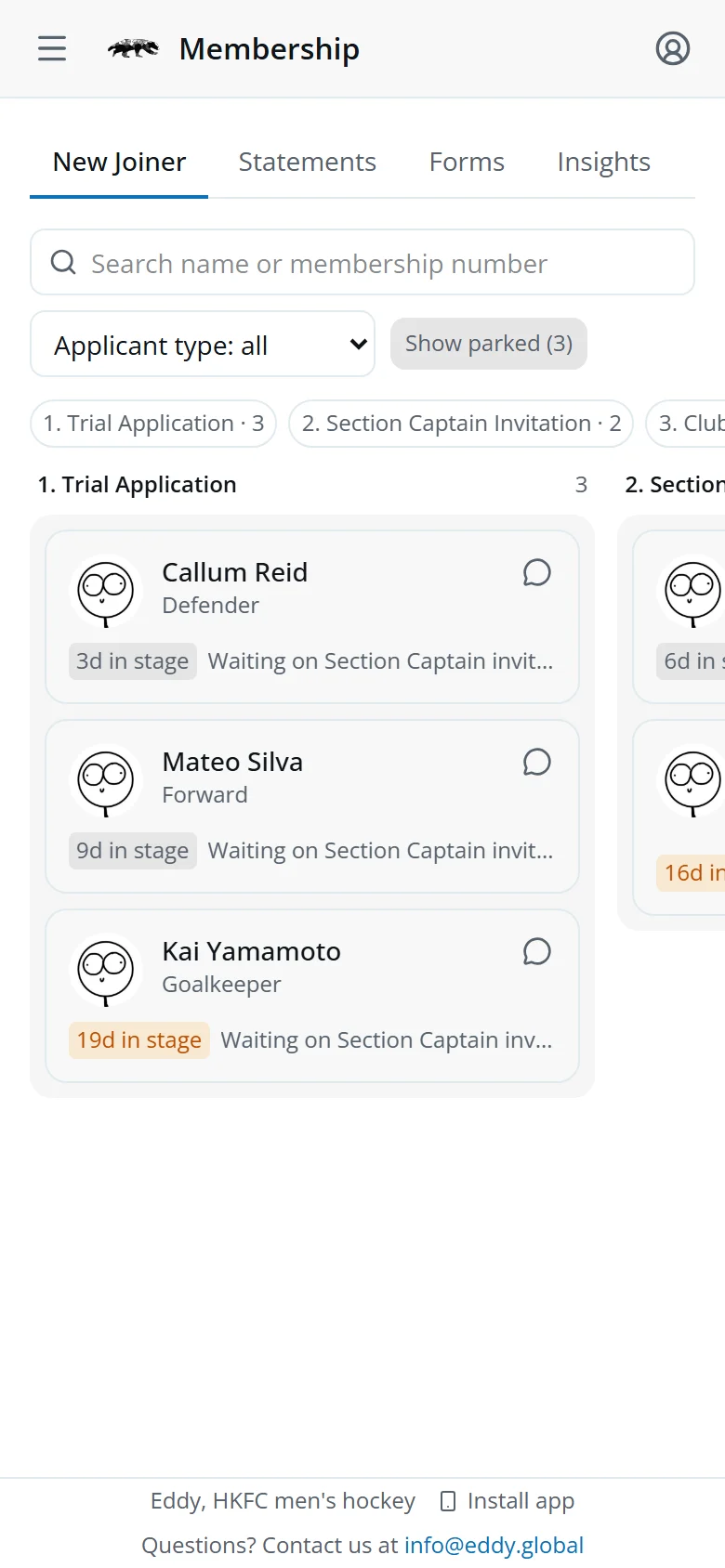
The Membership screen
New joiners by stage, commitment statements and insights live on Membership, with its own flow. Use People for one person's details.
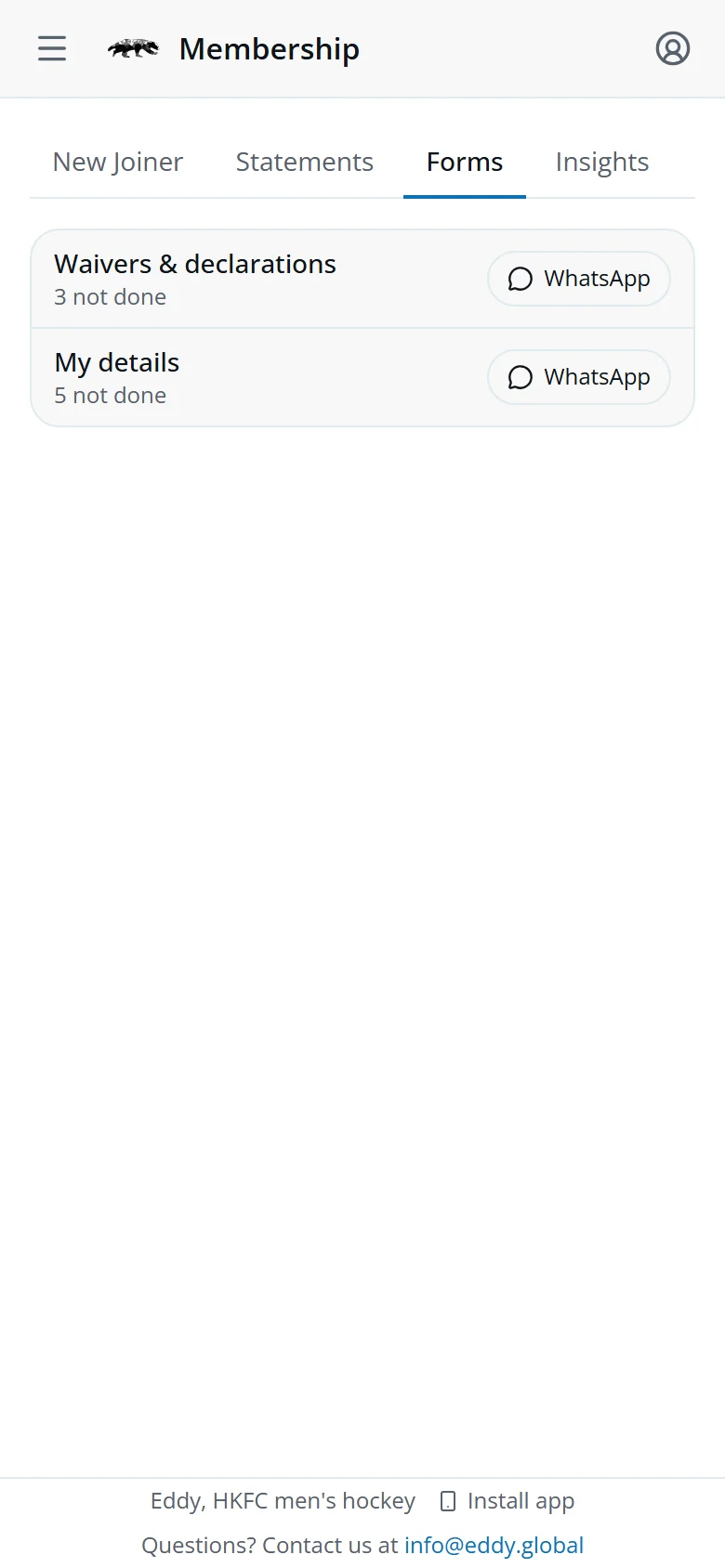
Its Forms tab lists who still owes this season's waivers & declarations or their details check. WhatsApp them from there, with a link to the form.
Quick answers
It says someone saved first.
Another officer changed this person while you had the page open. Tap Reload, then make your change again.
There's no Stage block.
Accepted members and rejected applicants don't have one.
Their registered team or position is wrong.
The Sports Convenor sets the registered team. The Section Captains set selected teams and position.
I can't find someone.
Try just part of their first name or surname. People finds anyone on record, whatever their status.